
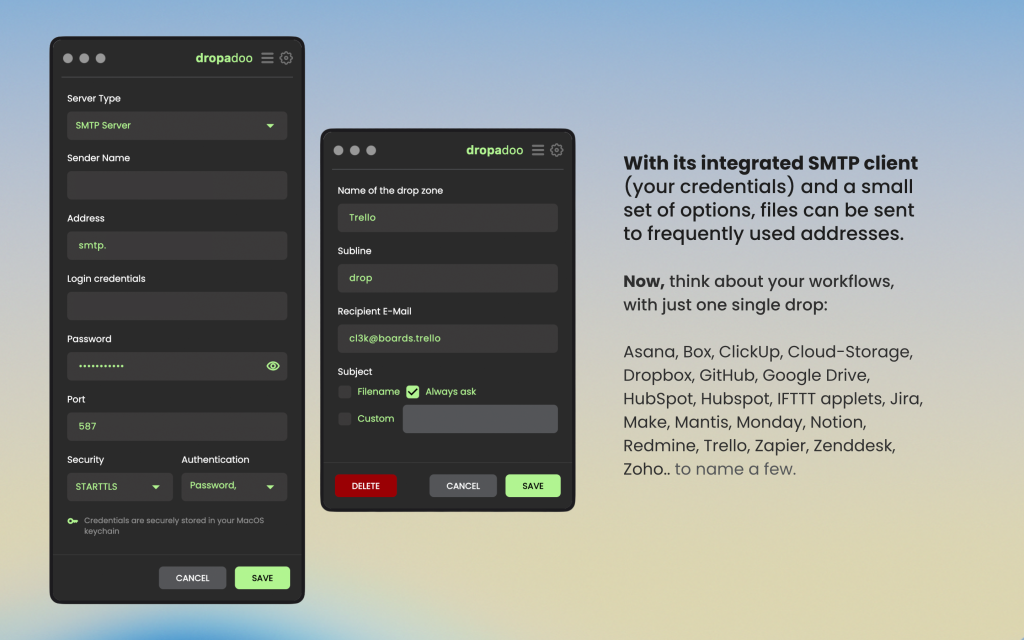
1. Drag & Drop File Delivery System
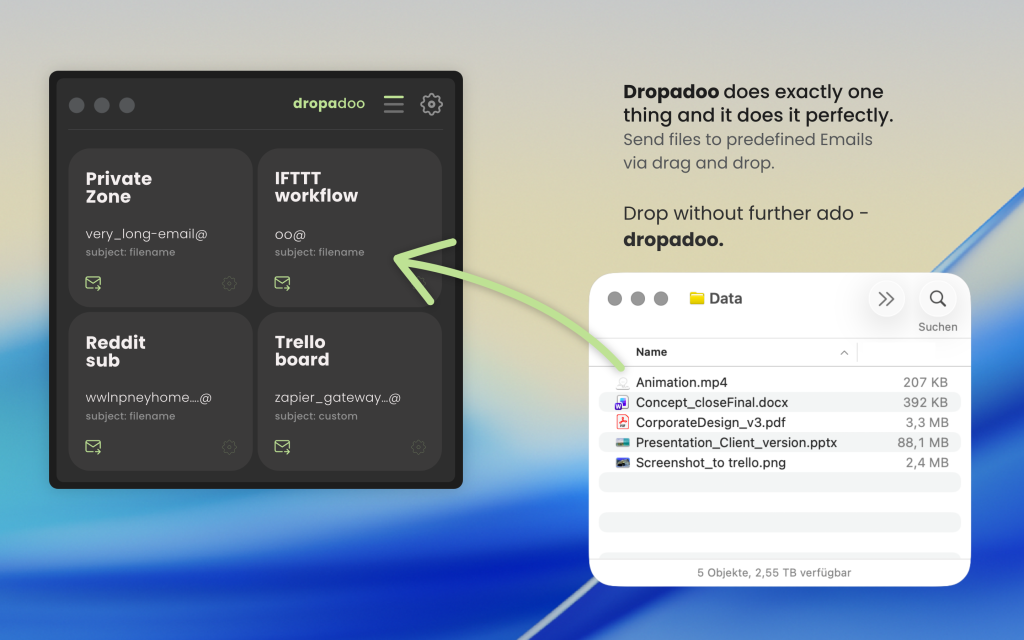
At the core of Dropadoo is a seamless drag-and-drop engine:
- Users can drop files directly into predefined zones
- Each drop zone maps to a configured email recipient
- Instant processing and sending — no intermediate steps
- Supports common file formats and multiple workflows
This removes the need for:
- Opening email clients
- Attaching files manually
- Typing recipient addresses repeatedly
2. Predefined Email Routing
The app allows users to configure:
- Multiple recipient destinations
- Workflow-specific drop zones
- Custom SMTP credentials
This enables powerful integrations with platforms such as:
- Asana, ClickUp, Jira, Trello
- Google Drive, Dropbox, Box
- Notion, Monday, HubSpot
- Zapier, IFTTT, Make
- Zendesk, Zoho, Redmine
Result: One drop → automated workflow trigger
3. Built-in SMTP Mail Engine
Instead of relying on external email clients, the app includes:
- Integrated SMTP configuration
- Secure credential handling
- Direct email sending from within the app
- Support for Gmail (App Password), Outlook, and custom providers
This ensures:
- Faster delivery
- No dependency on external apps
- Fully controlled sending process
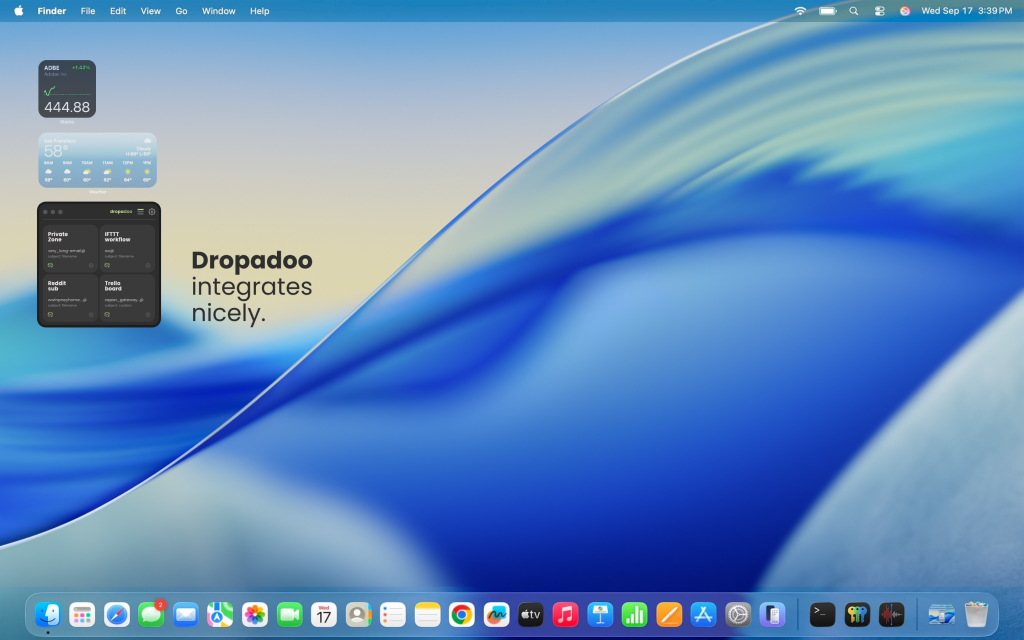
4. Always-On-Top Floating Utility
To maximize usability, the app includes:
- “Always on Top” mode
- Floating window behavior
- Quick accessibility during multitasking
Users can:
- Keep Dropadoo visible at all times
- Drag files from any app instantly
- Avoid context switching
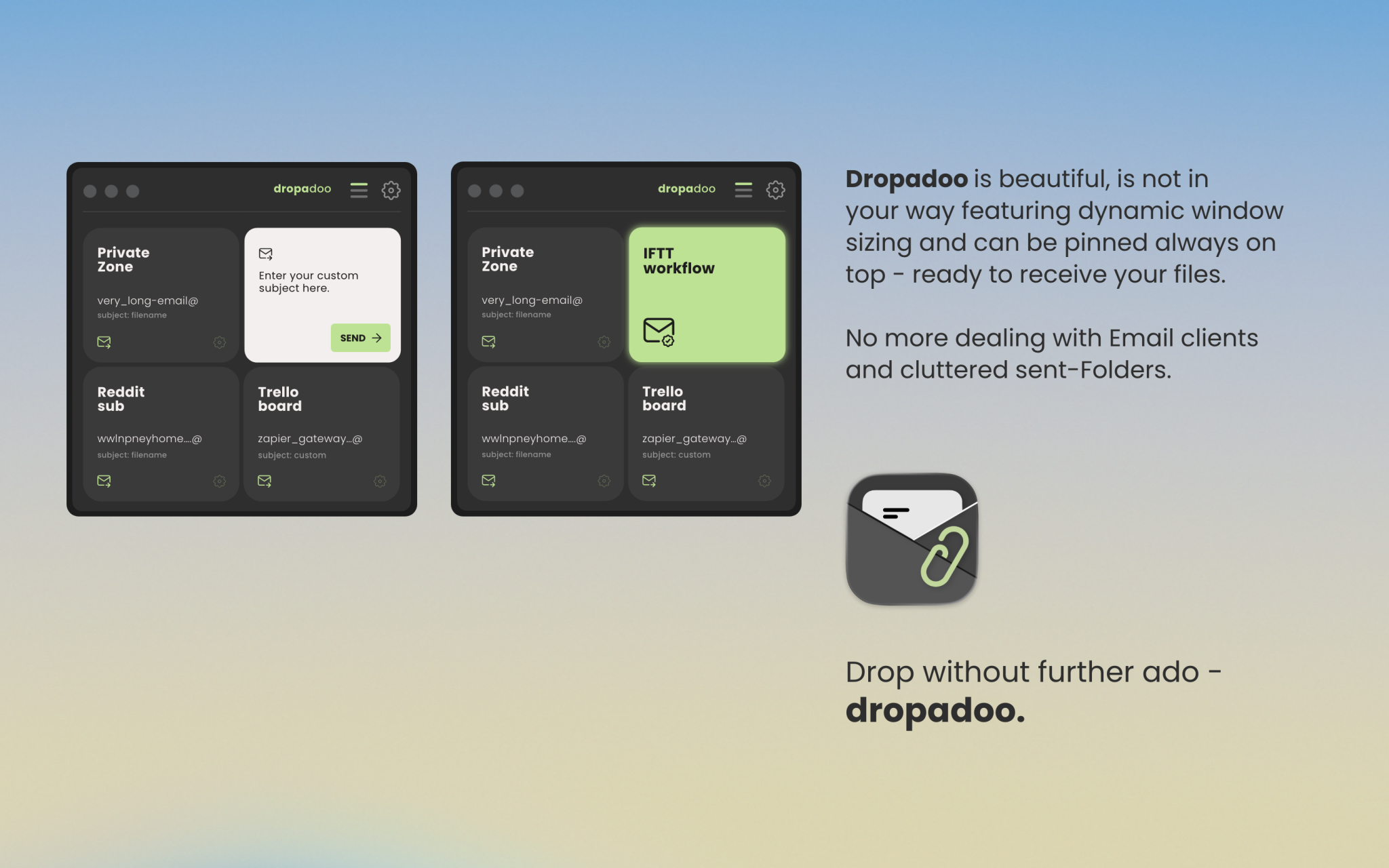
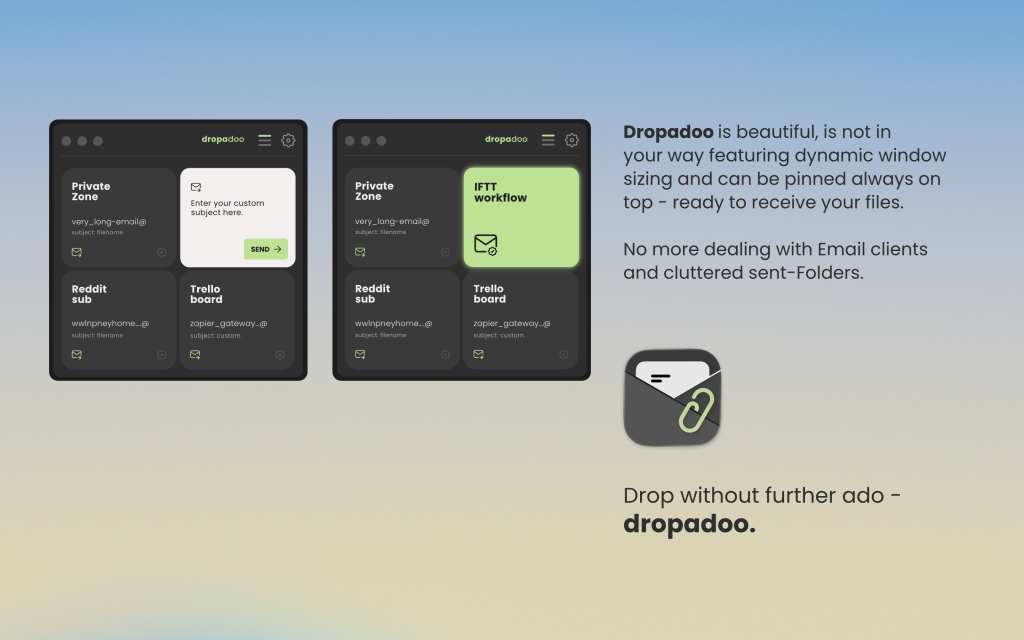
5. Minimalist macOS UI (Custom Window Design)
A modern, clean interface was implemented with:
- Custom macOS window styling
- Inner frame design with rounded corners
- Native traffic light controls (close/minimize/fullscreen)
- Lightweight toolbar with key actions
- Dark-mode friendly palette
The UI is intentionally:
- Distraction-free
- Fast to interact with
- Optimized for daily repetitive use
6. Dynamic Window Behavior
The app includes:
- Flexible window sizing
- Compact footprint for utility use
- Smooth resizing and layout adaptation
Designed to:
- Stay out of the way
- Be instantly available when needed
7. Lightweight & Stable Architecture
The application was built with a focus on:
- Stability over complexity
- Minimal dependencies
- Fast startup time
- Efficient file handling
Result
 Fully functional macOS productivity utility Instant file-to-email workflow via drag & drop Seamless integration with email-based platforms Clean, modern, native-feeling UI Delivered within a constrained budget and timeline Optimized for real-world daily usage
The result is a highly practical tool that removes friction from repetitive file-sharing workflows and significantly improves productivity.
Tech Stack
- Flutter (macOS Desktop)
- Native macOS window customization (Swift)
- SMTP email integration
- Drag & Drop file handling
- Sandbox & entitlement configuration (macOS)